An MCP server is the standard way to give an AI new tools. Claude, ChatGPT, Grok, Gemini, Cursor and Claude Code all speak MCP (Model Context Protocol): you add a server address once and the AI can call its tools. An MT4 MCP server is one whose tools work on a MetaTrader 4 account: read the balance and positions, get prices and candles, place, modify and close orders.
TraderWAI is that server. You add one address to your AI, connect your MT4 account on our website, and your AI can work on it, always within the limits you set. There is no Expert Advisor or DLL to install, no VPS to rent and nothing running on your computer: TraderWAI connects to your broker's MT4 server from the cloud.
What your AI can do on MT4
- Read your account: balance, equity, margin, open positions with floating P/L and pending orders.
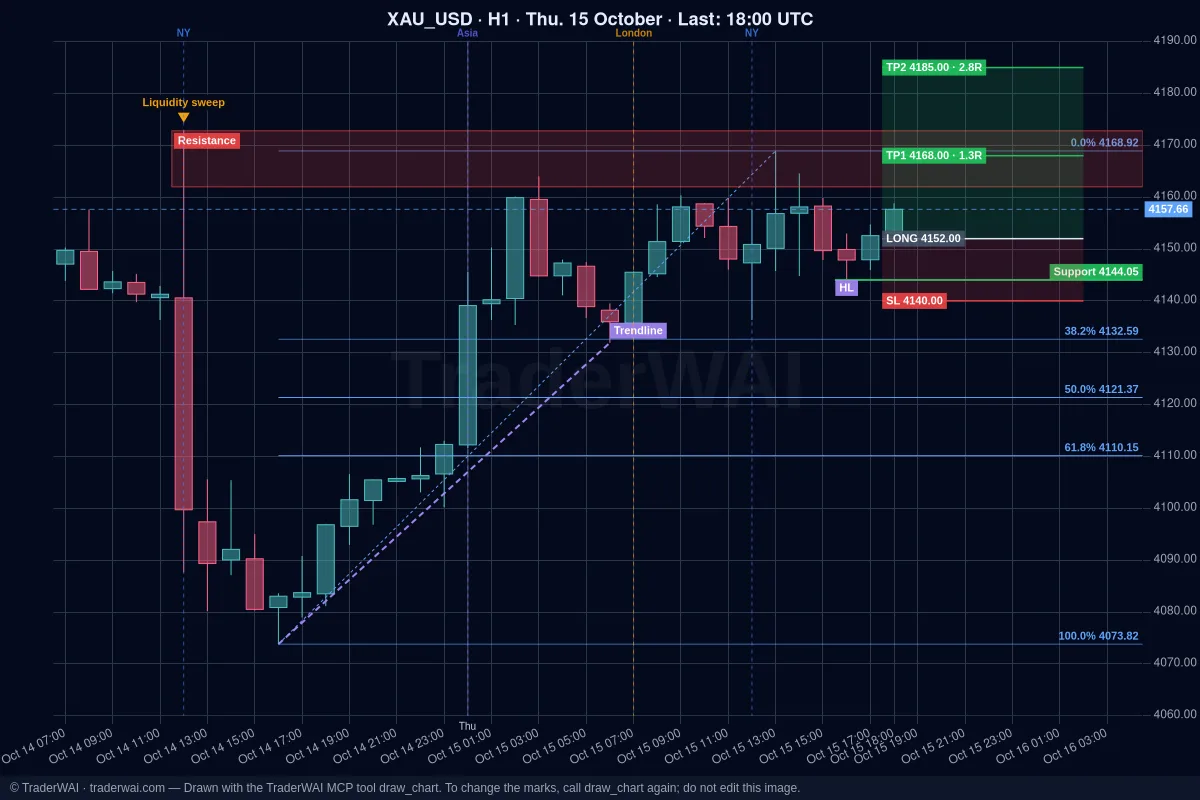
- Charts and prices: candles on any timeframe, your broker's live bid and ask, and levels drawn on a real chart.
- Orders: market, limit and stop orders, with a stop loss by default, sized from the risk you ask for; modify stop and target, close all or part of a position.
- Rules that run without you: conditional orders (move the stop to break-even at 1R, close at a time, enter on a candle close) checked every minute on our servers.
- Backtests: test an idea on real minute data before trading it.
Every order goes through your risk limits (max lots, open positions, trades per day, daily loss) before it reaches MT4. The AI can read them but never change them. By default each order waits for your approval; auto-execution is opt-in, per account and symbol.
How to connect it
1. Add TraderWAI to your AI. The address is the same everywhere: https://mcp.traderwai.com. Sign-in is OAuth (Google or Microsoft), so there is no API key to copy.
- Claude: Settings → Connectors → Add custom connector. Step by step: Claude + MT4.
- ChatGPT: Plugins → Add → Add custom MCP server, authentication OAuth. Quick guide: ChatGPT + MT4.
- Grok: Grok + MT4.
- Gemini: Gemini + MT4.
- Cursor: Cursor + MT4.
- Claude Code:
claude mcp add --transport http traderwai https://mcp.traderwai.com, then/mcp→ Authenticate. See Claude Code + MT5; MT4 is identical.
2. Connect your MT4 account. In TraderWAI: Settings → Brokers → Add account → MetaTrader → MetaTrader 4. Enter the login, the master password and the server exactly as MT4 shows it (File → Login to Trade Account). The first connection takes 1 to 3 minutes while the terminal is prepared in the cloud.
3. Ask. For example: "What's my MT4 balance and which positions are open?", "Draw the key levels on GBP/USD H4" or "Buy gold at market, stop below today's low, 2R target, risking 0.5%. Show me the order first."
MT4 vs MT5 in TraderWAI
Both work the same way: same address, same tools, same limits. The differences come from MetaTrader itself:
- Wrong password: MT5 says it was rejected; MT4 just doesn't connect. If it stays connecting for more than 2 or 3 minutes, check the master password and the account number.
- Servers: many brokers have different servers for MT4 and MT5. Choose MetaTrader 4 in the form and copy the MT4 server name.
- Symbols: what you can trade depends on your broker's MT4 account. Suffixes like EURUSD.r or XAUUSD+ are mapped automatically.
If your broker offers both, either works. For MT5 guides see Claude + MT5 and ChatGPT + MT5.
Plan and price
MetaTrader (MT4 and MT5) is included in the Trader plan (5 broker accounts) and Max (10). Any of them can be MetaTrader. Charts, analysis and backtests are free on every plan; to try orders on Free, connect a cTrader, TradeLocker or Match-Trader demo. There are no free trials, and the first paid month is 50% off. See pricing.
Common questions
Do I need to keep MT4 or a VPS running? No. The terminal runs in our cloud; your computer and MetaTrader can be off.
Do I install an EA or give code access? No. You only enter your MT4 login, master password and server on TraderWAI. They are stored encrypted and never shown to the AI.
Which AI is best for MT4? Any of them works the same, because sizing, risk checks and order placement happen on TraderWAI's servers. Pick the one you already use.
Does it work with prop firms on MT4? If your firm's rules allow AI-assisted trading, yes. Set its rules as risk limits: see prop firm rules with AI. More about how a broker MCP server works: MCP server for your broker.