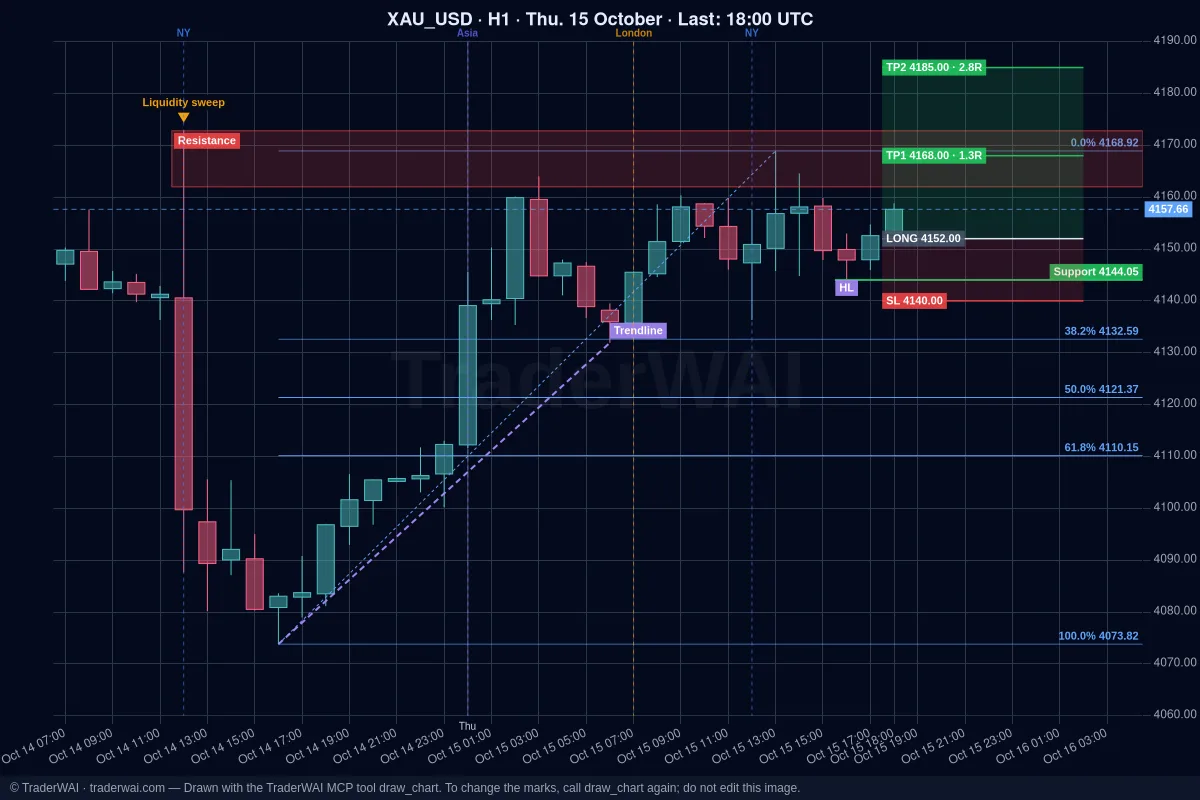

The fastest way to lose a funded account isn't a bad strategy. It's one bad day: one trade too big, one revenge trade after a loss, one position opened outside the allowed hours. If you trade with an AI, the question is obvious: how do you make sure it never breaks your prop firm's rules?
In TraderWAI the answer is risk limits: rules per account that every order must meet before it is sent to your broker.
How it works
You set the limits once, in Settings → Risk, for each broker account. From then on, every order is checked against them, wherever it comes from: your AI, an order you authorize, a conditional order, automation, or you on the website.
If an order would break a limit, it is not placed, and your AI explains why. Your AI can read the limits (so it can size trades correctly) but it can never change them. Only you can, from the website.
Which rules you can set
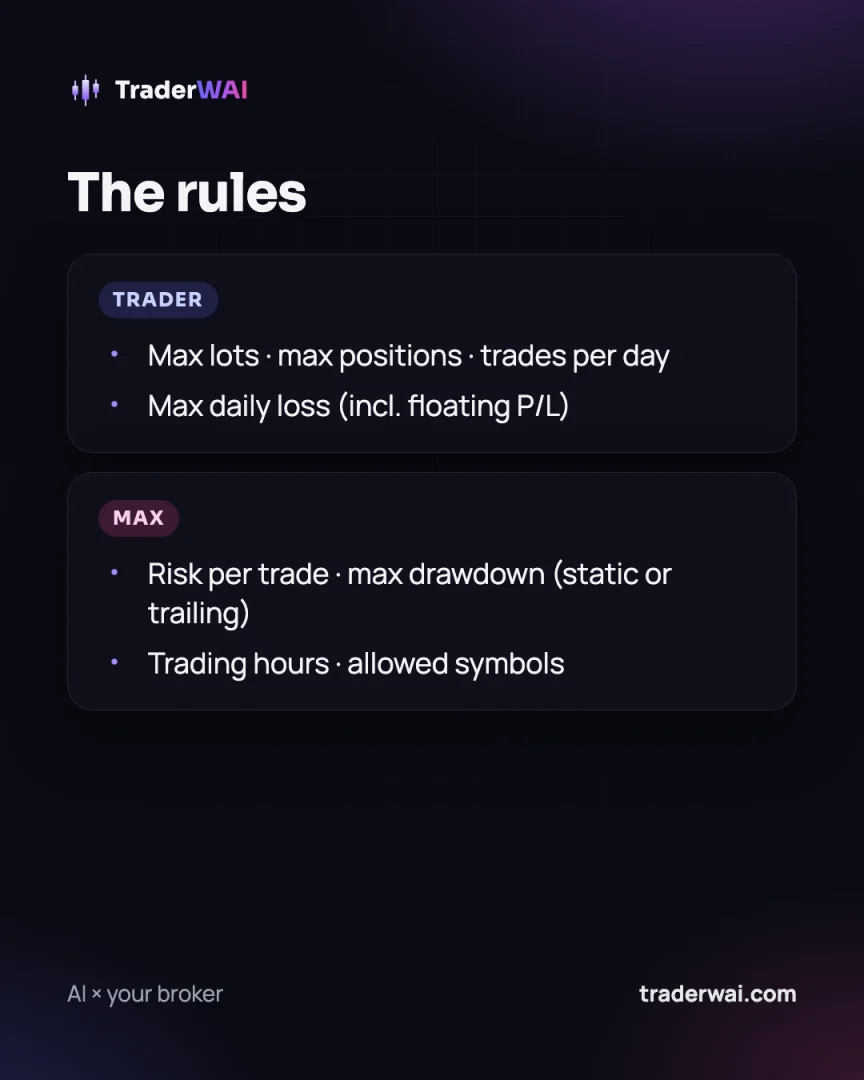
Plus and Trader plans:
- Max lots per order.
- Max open positions.
- Max trades per day.
- Max daily loss, measured from the equity at the start of the UTC day, including floating P/L.
Max plan adds the typical prop firm rules:
- Max risk per trade (as a % of the account).
- Max drawdown, static from the initial balance or trailing from the equity peak.
- Allowed trading hours (UTC).
- Allowed or blocked symbols.
An example
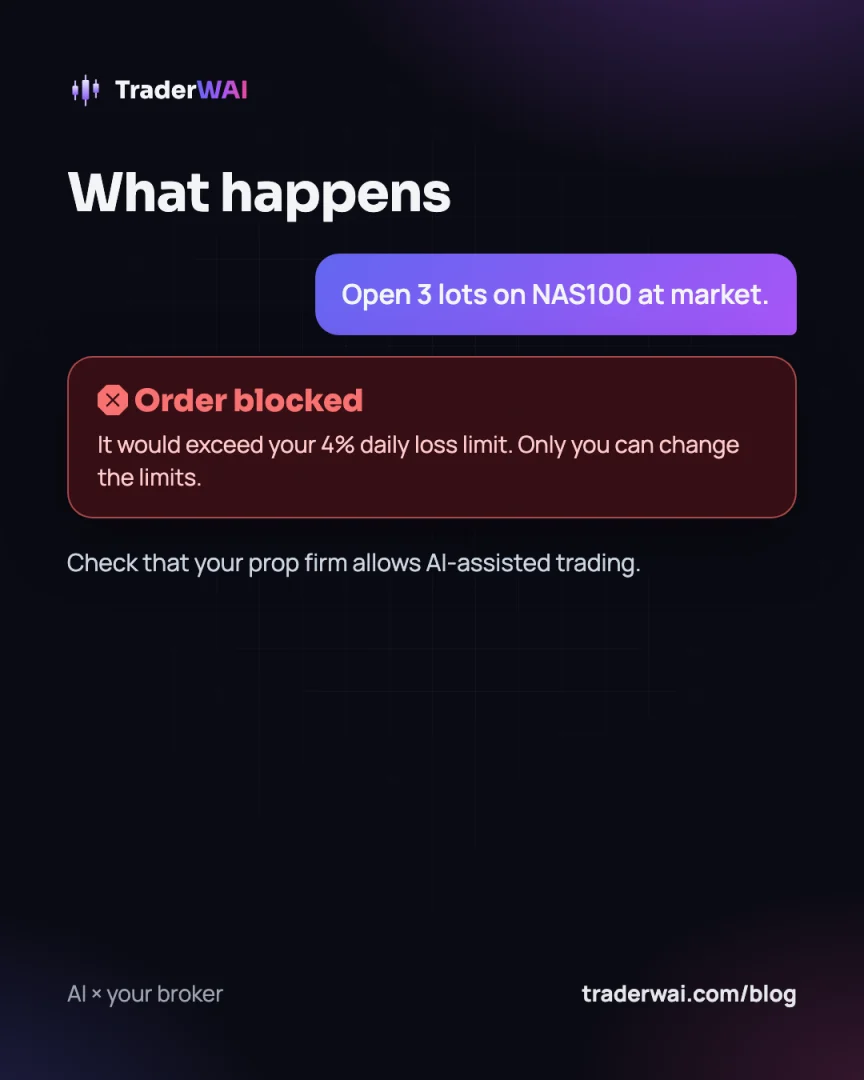
Say your 100K evaluation allows a 4% daily loss and 8% max drawdown, and you never want to risk more than 1% per trade. On the Max plan you set:
- Daily loss: 4%
- Max drawdown: 8%, static
- Risk per trade: 1%
Today you're down 3.6%. You ask your AI to open 3 lots on NAS100. TraderWAI calculates that the stop would put the day beyond 4% and blocks the order before it reaches the broker. Your AI tells you, and can suggest a smaller size that fits.
Before you start
- Check your prop firm's rules on automated or AI-assisted trading. Each firm has its own policy; TraderWAI doesn't change what your firm allows.
- Set your limits slightly tighter than the firm's, to leave a margin for slippage and spreads.
- Use the orders to authorize mode at first: you'll see every order before it's executed.
TraderWAI works with the platforms most prop firms use: MetaTrader 4/5, cTrader, TradeLocker and Match-Trader. See all platforms.