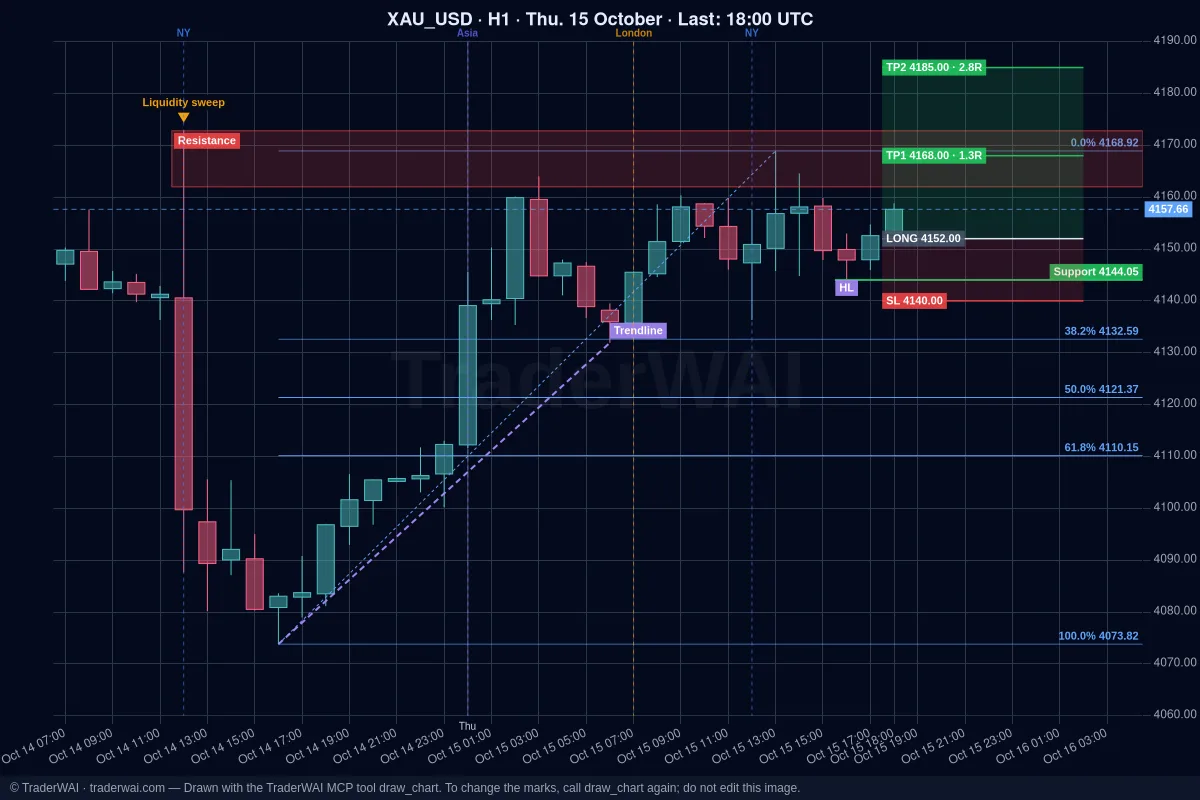

ChatGPT can't talk to MetaTrader on its own. It can't see your balance, your open positions or the live chart, and it can't send an order. TraderWAI is the bridge: a connector (an MCP server) that you add to ChatGPT once, so it can read your MetaTrader 5 account and place orders on it, always within the rules you set.
This guide takes you from zero to your first order in about 5 minutes.
What you need
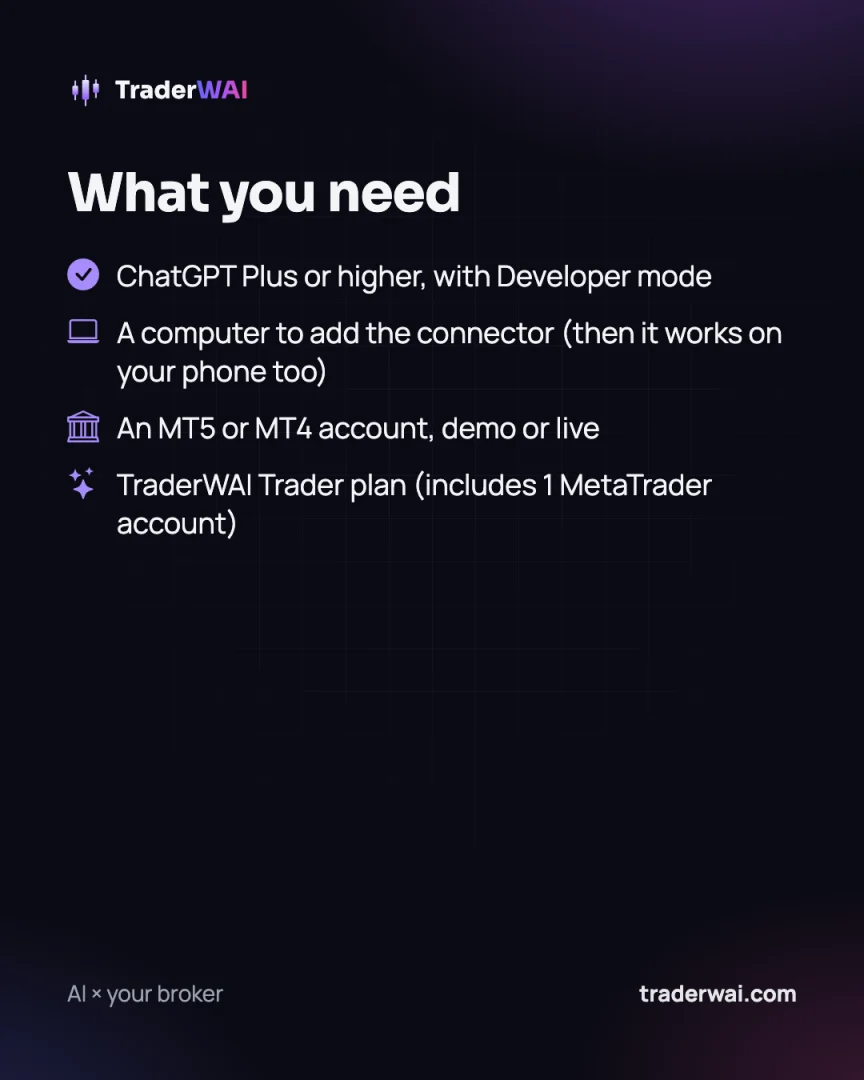
- A ChatGPT account, on any plan. Since October 2026 custom MCP servers work on every ChatGPT plan, Free included. Prefer Claude? The same idea works there too: see our Claude guide.
- A computer. The connector is added from chatgpt.com on the web. Once it's added, it also works in the ChatGPT app on your phone.
- A MetaTrader 5 account (or MT4), demo or live: the account number, the password and the server name.
- A TraderWAI account on the Trader plan or higher. The Free plan includes TradeLocker, cTrader and Match-Trader; MetaTrader is a premium broker included from Trader, where any of your 5 accounts can be MetaTrader.
Step 1: add TraderWAI to ChatGPT
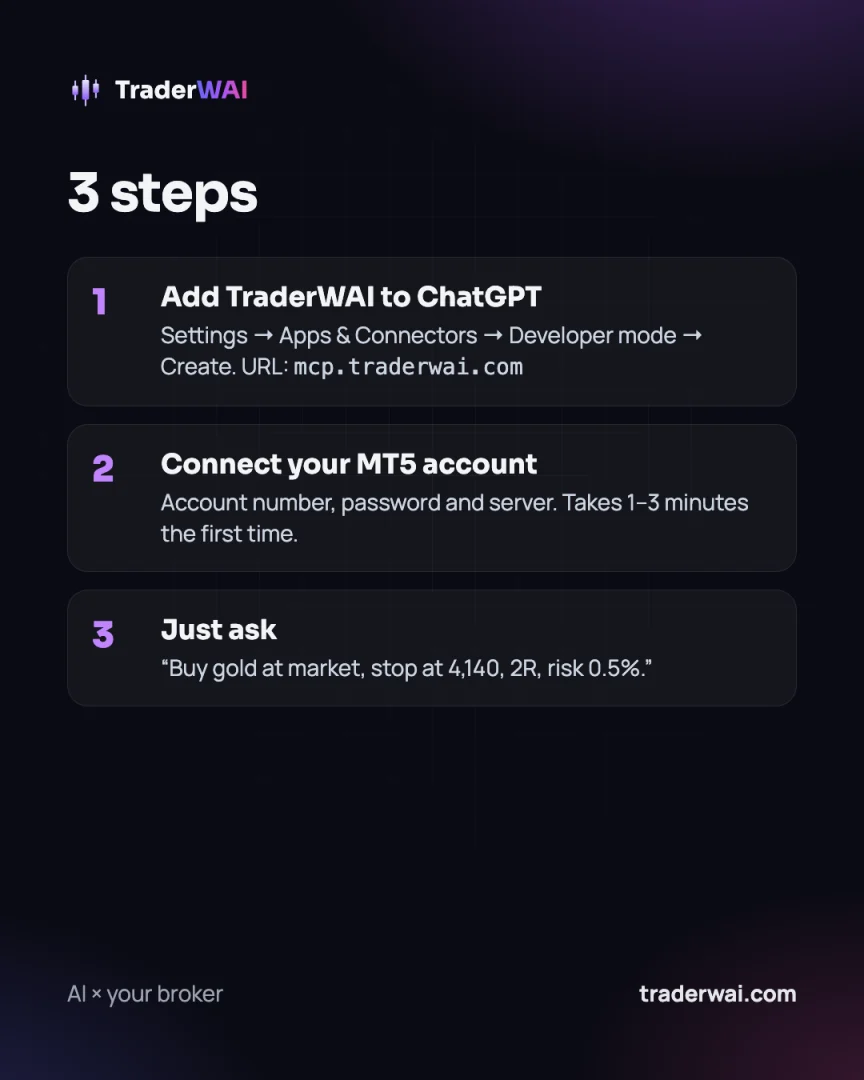
- Open chatgpt.com and go to Plugins in the left menu.
- Click Add (top right) → Add custom MCP server.
- Name:
TraderWAI. Server URL:https://mcp.traderwai.com. Authentication: OAuth (leave the advanced settings as they are). - Tick I understand and want to continue and click Create as plugin.
- Click Connect TraderWAI, sign in with Google using the same account as your TraderWAI account, and accept.
- In any chat, type @ and pick TraderWAI, or just ask. ChatGPT asks for confirmation before any action that changes something, like placing an order.
Step 2: connect your MetaTrader 5 account
In the TraderWAI panel go to Settings → Brokers → Add account → MetaTrader. Enter the account number, the password and the server exactly as they appear in MT5. The first connection takes 1 to 3 minutes while the terminal is prepared in the cloud; after that it's instant.
We recommend starting with a demo account: everything works the same and you can test how your AI behaves without risk.
Step 3: talk to it
You don't need special commands. Ask the way you'd ask a colleague:
- "Show me the EUR/USD H1 chart and tell me the trend."
- "What's my balance and which positions are open?"
- "Buy gold at market, stop at 4,140, take profit 2R, risk 0.5%."
Before placing an order, your AI checks your broker's live price, calculates the size from your risk and checks your risk limits. By default every order waits for your authorization: you get a notification and approve it with one tap.
Keep control
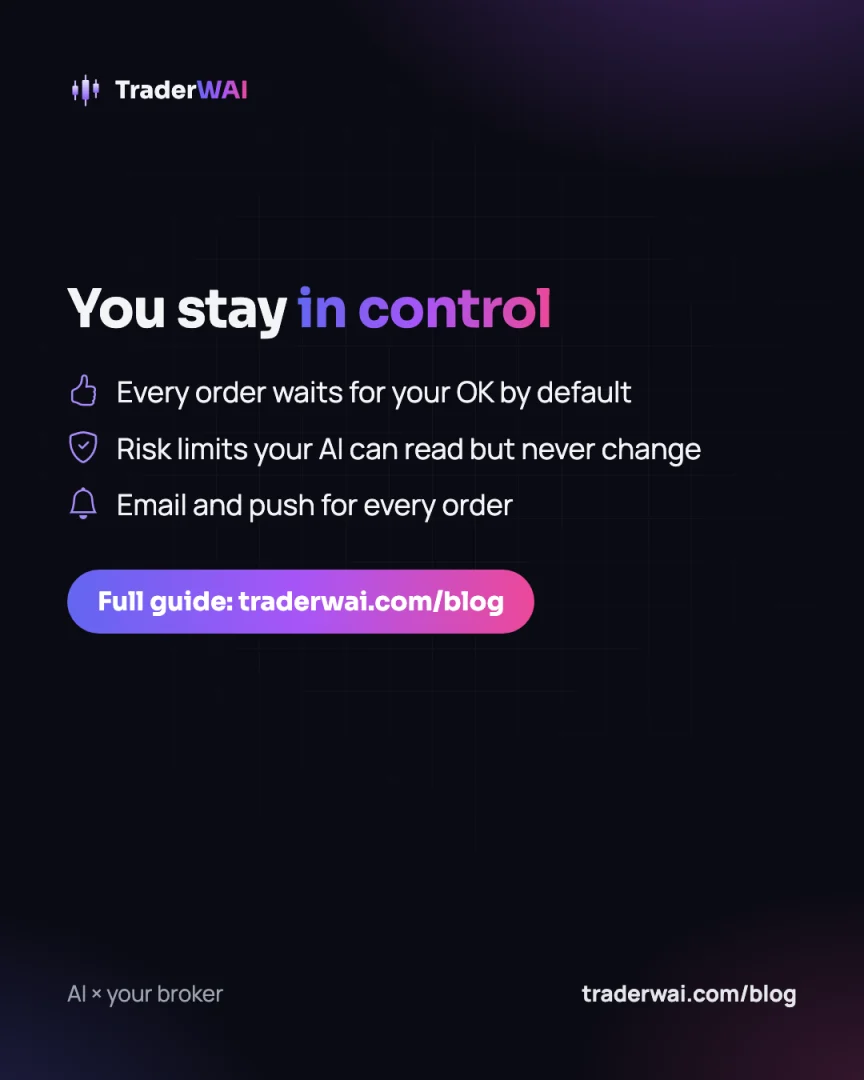
- Orders to authorize are the default. Auto-execution is opt-in, per symbol, with your own size and daily caps (Plus plan and higher).
- Risk limits (max lots, positions, trades per day, daily loss) are checked before every order. Your AI can read them but can never change them.
- You get an email and a push notification for every order your AI places.
Common questions
Does it work with MT4? Yes, MetaTrader 4 and 5.
Does ChatGPT have access to my password? No. Your broker credentials are stored encrypted on TraderWAI and are never shown to the AI.
Can I use it with a prop firm account? If your prop firm uses MetaTrader, yes. Check that its rules allow AI-assisted trading, and set its limits in TraderWAI: see prop firm rules with AI.
Using another AI?
The steps are almost the same with other AIs, and the same TraderWAI account works with all of them: