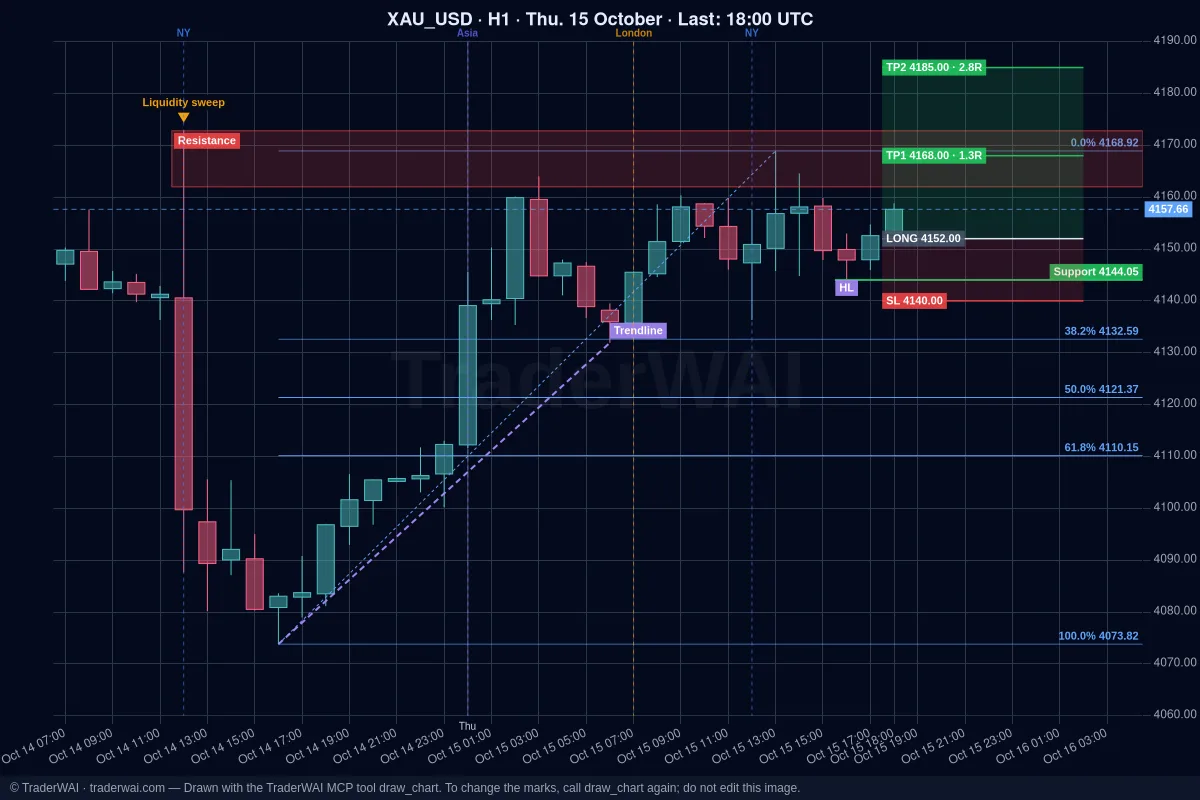

Claude is one of the best AIs for reading charts and reasoning about a trade. With TraderWAI it can also act: read your cTrader account, look at live charts and place orders on your broker, within the limits you set. And it's the easiest combination to start with: it works on Claude's free plan and on TraderWAI's free plan.
What you need
- A Claude account. Custom connectors are available on every Claude plan; the free plan allows one, which is all you need.
- A computer to add the connector (claude.ai or the desktop app). Once added, it also works in the Claude app on your phone.
- A cTrader account, demo or live, from any broker that offers cTrader.
- A free TraderWAI account.
Step 1: add TraderWAI to Claude
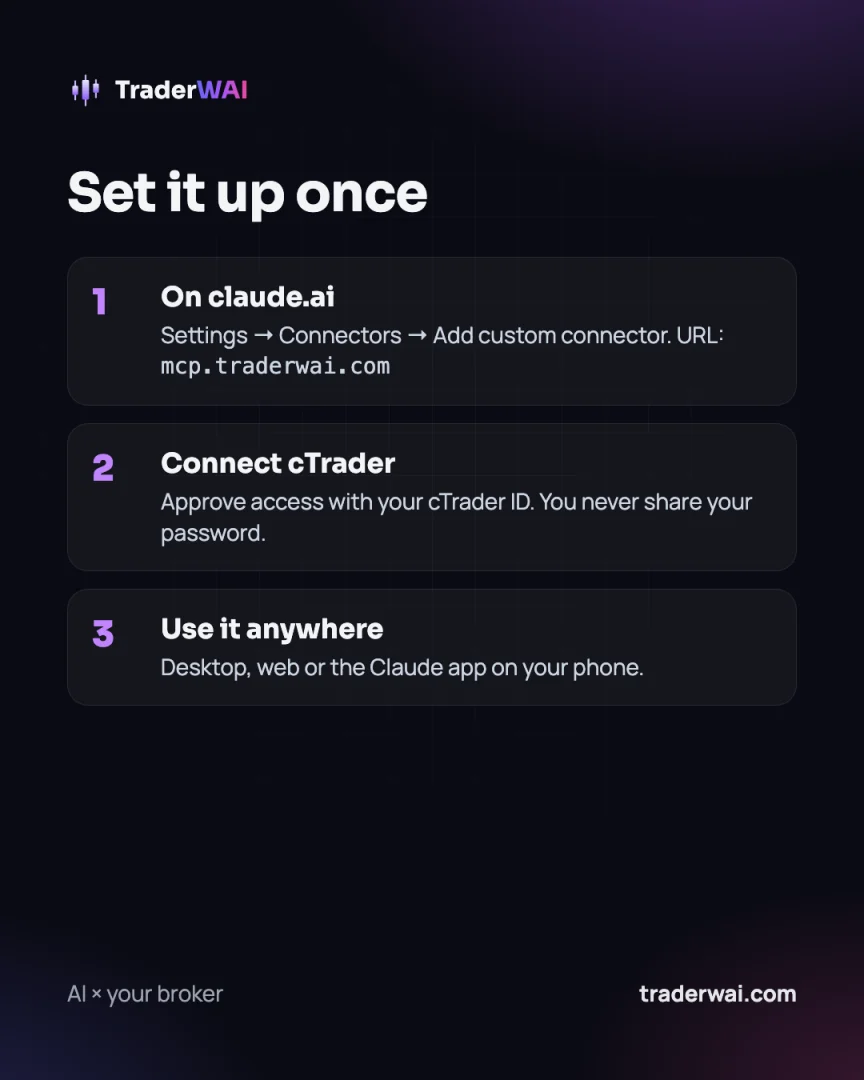
- On claude.ai, go to Settings → Connectors.
- Click Add custom connector.
- Name:
TraderWAI. URL:https://mcp.traderwai.com. - Click Add, then Connect, and sign in with Google using the same account as your TraderWAI account.
- In a chat, enable TraderWAI from the tools button.
Step 2: connect cTrader
In the TraderWAI panel go to Settings → Brokers → Add account → cTrader. You'll be sent to cTrader to approve access with your cTrader ID; you never share your password with us. Choose the account (demo or live) and you're done.
Step 3: ask for what you need
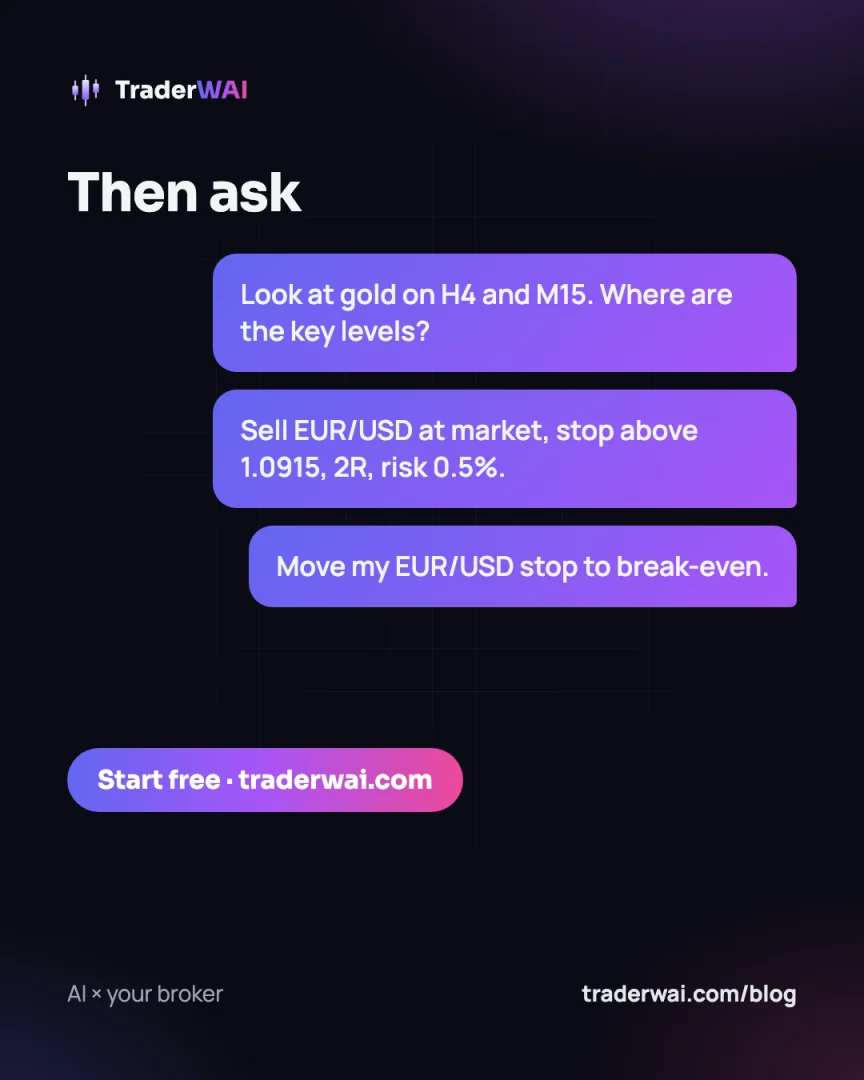
Some prompts to get started:
- "Look at gold on H4 and M15. What structure do you see, and where are the key levels?"
- "Show my open positions and the floating P/L."
- "Sell EUR/USD at market with a stop above 1.0915 and a 2R target, risking 0.5% of my balance."
- "Move the stop on my EUR/USD trade to break-even."
Claude analyses with the chart image and the OHLC candles, checks your broker's live price before an order, and sizes the trade from your risk. Every order waits for your authorization unless you've enabled auto-execution for that symbol.
Why cTrader works well with an AI
- Fast execution and an open API: orders reach your broker in a fraction of a second.
- Secure authorization: access is granted through cTrader ID and you can revoke it anytime.
- Supported by many prop firms, so the same setup works for funded accounts.
What's included in each plan
On the Free plan you get 5 order executions a day, 1 broker account, 1 new conditional order a day, unlimited charts and orders to authorize. Plus ($9.90/month, first month 50% off) adds auto-execution and risk limits; Trader adds 100 order executions a day, five accounts and MetaTrader. See pricing.