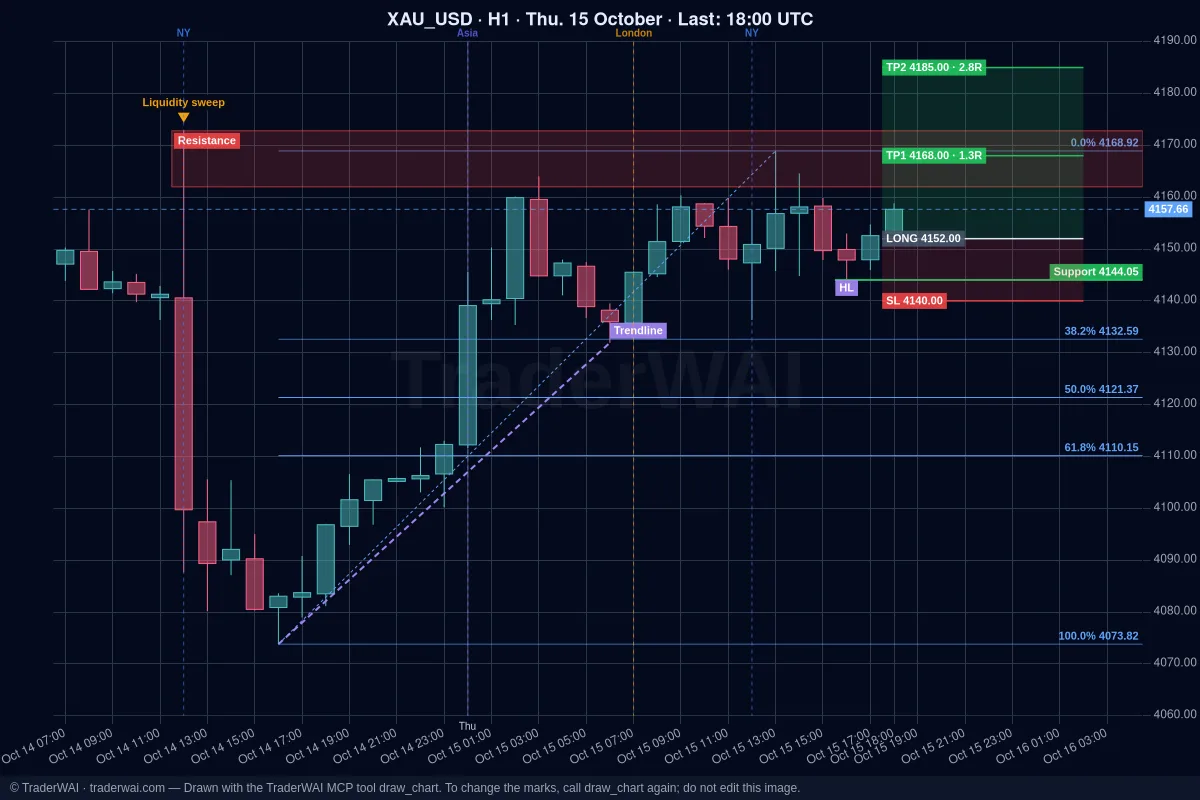

Short answer: any broker that offers MetaTrader 4/5, cTrader, TradeLocker, Match-Trader or DXtrade, plus Binance and Bybit. ChatGPT, Claude, Gemini and Grok can't connect to a broker by themselves, but they can use a connector (an MCP server) like TraderWAI, which talks to your trading platform and lets the AI read charts, see your account and place orders that you approve.
Why your AI can't connect to your broker directly
AI assistants run in the cloud and have no access to your trading account. To reach it, AIs use connectors (ChatGPT now lists them under Plugins) based on the open Model Context Protocol (MCP). A connector gives the AI a set of tools (get a chart, read positions, place an order) and handles the login with your broker, so the AI never sees your password.
Platforms you can connect
| Platform | Typical use | TraderWAI plan |
|---|---|---|
| MetaTrader 4 and 5 | Forex and CFD brokers, many prop firms | Trader and higher |
| cTrader | Forex and CFD brokers, prop firms | Free |
| TradeLocker | Brokers and prop firms | Free |
| Match-Trader | Brokers and prop firms | Free |
| DXtrade (beta) | Brokers and prop firms | Free |
| Binance, Kraken (beta), Bybit | Crypto | Free |
If your broker offers any of these platforms, you can connect it, demo or live. The same goes for prop firms that run their challenges on them; check that your firm allows AI-assisted trading.
Which AIs work
- Claude: custom connectors on every plan, including the free one. The easiest way to start. Guide.
- ChatGPT: every plan, including the free one; add it from chatgpt.com in Plugins → Add → Add custom MCP server. Guide.
- Grok: custom connectors on paid plans. Guide.
- Gemini CLI, Claude Code, Codex, Cursor and VS Code: any client that supports remote MCP servers.
How to connect in 3 steps
- Add the connector to your AI with the URL
https://mcp.traderwai.comand sign in with Google (your TraderWAI account is created in this step if you don't have one). - Add your broker account in TraderWAI: Settings → Brokers → Add account, and choose the platform.
- Ask in the chat: "Show me EUR/USD on H1", "What are my open positions?", "Buy gold at market, stop below the Asian low, 2R target, risk 0.5%".
Every order waits for your approval by default, and your risk limits (max lots, daily loss, trades per day) are checked before each one.
Common questions
Can the AI trade without me? Only if you turn on auto-execution for a symbol, with your own caps. By default you approve every order.
Does it work with my prop firm? If it uses one of the platforms above and allows AI-assisted trading, yes. See prop firm rules with AI.
Is it free? TraderWAI has a free plan (cTrader, TradeLocker, Match-Trader, DXtrade, Binance and Bybit). MetaTrader starts with the Trader plan.