Writing your own backtester means downloading candles, handling sessions and time zones, simulating stops and targets, and then trusting your own bugs. There is a shorter way. With TraderWAI connected as an MCP server, Cursor's Agent calls backtest_strategy: you describe the rule in plain words, it runs on our 1-minute history on the server, and the Agent explains the result. You don't write any code.
This guide covers the loop: describe a rule, read the result, iterate on filters, save the rule as a project file and, when it holds up, turn it into a conditional order on a demo account.
Before you start
You need Cursor with TraderWAI added (one click or a few lines in mcp.json, then sign in with Google or Microsoft). The setup is in build an AI trading bot in Cursor. Open the chat in Agent mode.
You don't need a broker account to backtest. Backtests run on TraderWAI's data, with the market open or closed, so a Saturday is a good time to test ideas. History covers 2 years of 1-minute candles on forex, gold, silver, indices, oil and crypto.
Step 1: describe the rule
Write it as you would explain it to another trader: market, timeframe, entry, stop, target and when to stop trading.
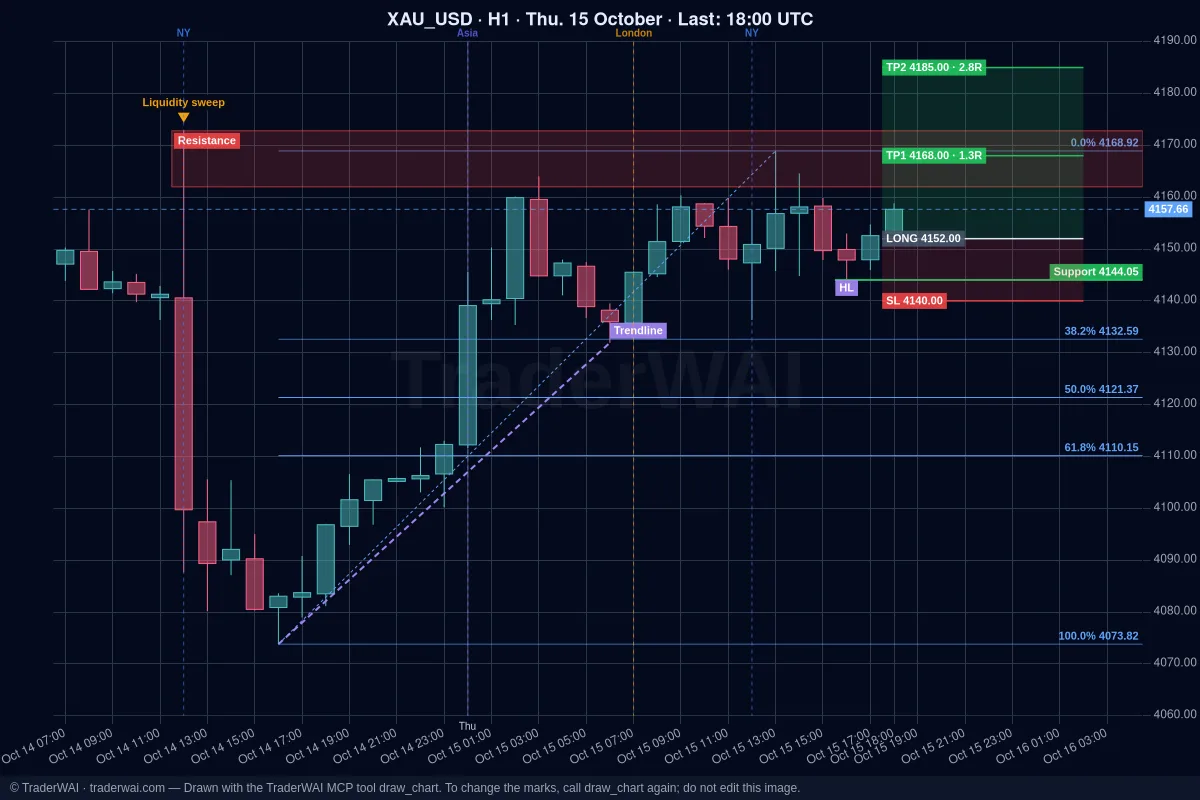
The Agent translates that into a rule (sweep_above on the Asian session_high, a time_window, a wick stop, an rr target and closeAt) and calls backtest_strategy. The engine works out each day's levels, waits for the condition, opens the trade and follows it minute by minute to the stop, the target or the closing time. It is pure calculation on the server, not the model guessing.
Other entries work the same way: a close above yesterday's high, a range breakout, a break and retest, the first retest of a fair value gap or an EMA cross. Stops go in pips, at a level, beyond the wick or at a multiple of ATR.
Step 2: read the result
In a few seconds you get:
- every trade: time, side, entry, stop, target, exit and result in R and pips;
- the summary: number of trades, win rate, total and average R, maximum drawdown and worst losing streak;
- the breakdown: by month, by halves of the period, by weekday and by entry hour (UTC), with the profit factor and how many trades reached +1R, +2R or +3R before closing;
- the assumptions, so you know exactly what was tested.
Ask the Agent to explain it in plain words: "Which hours and weekdays carry the result? Would a 3R target have done better, given how far the trades went?" With costs added, the result shows R gross and net of costs. With small stops (M1, M5) costs matter a lot, so always include them.
Step 3: iterate on filters
Change one thing at a time and compare against the previous version:
- Sessions: "Only the London session" or "08:00 to 11:00 London time". A
time_windowwith a time zone (for exampleEurope/London) keeps the same market hour in summer and winter. - News: "Skip entries 30 minutes before and after high-impact news." That is
trade.avoidNews, using the economic calendar of the symbol's currencies. Calendar coverage is recent, so on a long period part of the history may have nothing to filter; the result tells you how many signals were skipped and warns you about periods without coverage. - Market structure: "Only sell if the last M15 break of structure was bearish" (
bos), "only after a change of character" (choch), or "only when the H1 trend is lower highs and lower lows" (structure_trend). - Indicators: "Only if price is below the D1 EMA 50", "skip when H1 ADX is below 20". Moving averages, RSI, ATR, Bollinger Bands and the highest/lowest of N candles work as filters on closed candles.
- Robustness: "Run it again with `sensitivity: true`." The engine reruns the rule with neighbouring parameters; a solid rule keeps a similar result, a fitted one falls apart.
Keep the rule simple. Ten filters that turned last month into a perfect curve usually describe last month, not the market.
Step 4: save the rule as a project file
This is where Cursor shines. Ask the Agent to save the rule it sent as JSON in your repo:
{
  "symbol": "XAU_USD",
  "days": 14,
  "conditions": [
    {"type": "sweep_above", "timeframe": "M15",
     "level": {"ref": "session_high", "session": "asia"}, "maxCandles": 2},
    {"type": "time_window", "start": "07:00", "end": "12:00"}
  ],
  "trade": {"side": "sell",
    "stop": {"type": "wick", "bufferPips": 20},
    "target": {"type": "rr", "value": 2}, "closeAt": "16:00",
    "avoidNews": {"impact": "high", "minutesBefore": 30, "minutesAfter": 30}},
  "costs": {"spreadPips": 30}
}
Now each version is in git, with its history and diffs. "Re-run every file in strategies/ over the last 14 days and give me a table with trades, win rate, total R and drawdown" becomes a one-line prompt you can repeat each week. A line in your project rules (.cursor/rules) helps: "Backtest only with backtest_strategy, always with costs, and never compute results from get_ohlc."
Step 5: from backtest to a conditional order on a demo account
When a version holds up over a longer period, run it live on a demo account first. Conditional orders use the same rules and engine as backtests, and TraderWAI checks them every minute on its servers, with Cursor closed.
With mode: "suggest", when the rule fires, the order waits in your panel for your authorization. Auto-execution permissions are set only by you, on the TraderWAI website, account by account (which symbols, max risk, max lots, daily limits); the Agent can read them but never change them. The same goes for suggest_order when the Agent proposes a single trade: it must name the accounts and the size for each one. Accounts you allowed to auto-execute that symbol get the order right away; everything else waits for your authorization.
Good to know: an entry rule lasts up to 24 hours, or up to 30 days as a daily strategy that re-arms after each trade (in execute mode, so keep that on demo until you trust it). Live rules are evaluated on your broker's own price, which can differ slightly from the backtest feed.
What each plan includes
- Free: 5 backtests a day over the last 14 days; 1 new conditional order a day (2 active).
- Plus: 20 backtests a day over up to 6 months; 5 active conditional orders.
- Trader: 50 backtests a day over 1 year; 10 active conditional orders; MetaTrader.
- Max: unlimited backtests with all the history (2 years of 1-minute data); unlimited active conditional orders.
One backtest covers at most 1 year (2 years on Max) and up to 2,000 trades. See pricing.
Why a handful of trades proves little
Two weeks of a session rule gives maybe five to ten trades. Three wins in a row can be luck, and so can three losses. Use the short window to check the rule does what you meant, then judge it on longer periods and several markets. Look at the halves of the period and the months: a rule that made all its R in one week is fragile. More background on the engine in backtest your strategy by asking your AI, and tested ideas on the strategies page.
Common questions
Which model should I pick in Cursor? Any model that supports tool calls in Agent mode. The result doesn't depend on the model, because the backtest runs on the server.
Are these my broker's prices? No. Backtests use TraderWAI's market feed; live orders use your broker's price.
Backtests are educational and not investment advice. Past results do not guarantee future results. Trading involves risk and you can lose money: test on a demo account first.