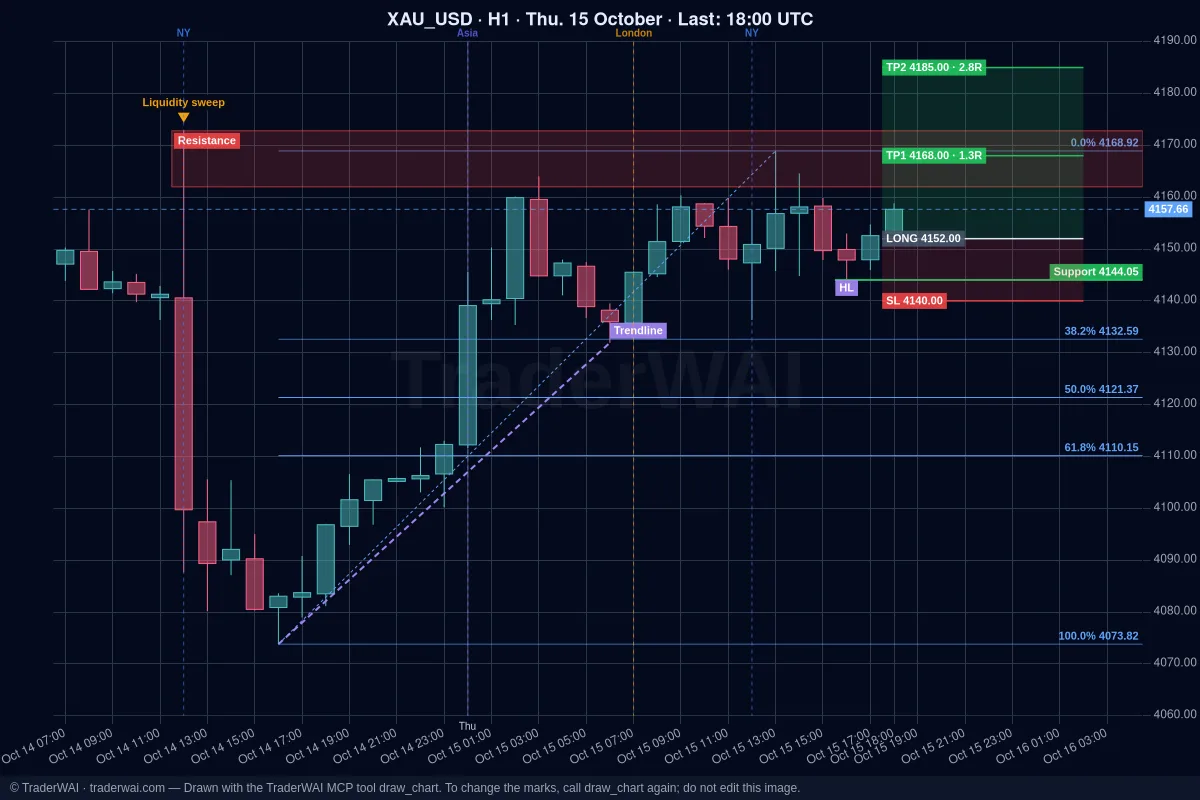
Grok follows crypto news and X in real time, but on its own it can't see your Binance balance or place an order. TraderWAI adds that: a connector (an MCP server) you add to Grok once. After that Grok can read what you hold on Binance, analyse BTC, ETH and other pairs on live charts, run backtests and prepare orders with stop loss and take profit that you approve.
Binance works on TraderWAI's Free plan (beta), using an API key that can trade but never withdraw.
What TraderWAI supports on Binance
- Binance Spot on binance.com (live) and on the Binance Spot Testnet (demo). Binance.US is a different exchange and isn't supported.
- Buys at market or limit with stop loss and take profit. Binance holds them as a real exit order (OCO), so they work even if TraderWAI or Grok are offline.
- Selling what you hold, moving the stop, taking partial profits or closing.
- Not supported yet: Binance Futures, margin and short selling. On spot you buy with the USDT or USDC you hold and sell what you hold, without leverage. For USDT perpetual futures (longs and shorts) you can connect Bybit.
What you need
- Grok with custom connectors on grok.com or the Grok app. At the time of writing, xAI offers them on its paid plans; if you don't see New Connector → Custom, your plan or region doesn't have it yet.
- A Binance account (or a Testnet account to practise).
- A TraderWAI account. It's created when you authorize Grok. The Free plan includes one broker account and 5 order executions a day; charts and analysis are unlimited.
Step 1: add TraderWAI to Grok
- Open [grok.com/connectors](https://grok.com/connectors) (in the app: Settings → Connectors).
- Click New Connector and choose Custom.
- Name:
TraderWAI. Server URL:https://mcp.traderwai.com - Save. A TraderWAI window opens: sign in with Google or Microsoft and allow access.
- Open a new chat and check it works: "Using TraderWAI, show me BTC/USDT on H1."
The Grok + Binance guide has a button that opens Grok's connectors and the URL ready to copy.
Step 2: create a Binance API key that can't withdraw
- In Binance go to Account → API Management and create a system-generated API key.
- Edit its restrictions: enable Enable Spot & Margin Trading (reading is already on). Never enable withdrawals.
- Under IP access choose Restrict access to trusted IPs only and add
187.7.69.7. All of TraderWAI's requests to Binance go out through that European server, so a key restricted to it is useless anywhere else. - Copy the API key and the secret key (Binance shows the secret only once).
Then in TraderWAI go to Settings → Brokers → Add account → Binance, choose Live and paste both keys. They are stored encrypted, in a separate vault, and never shown to Grok.
To practise first: choose Demo and create the key at testnet.binance.vision (you sign in with GitHub). You get test funds at real market prices.
Step 3: what to ask Grok
Balance and holdings
- "Using TraderWAI, what do I hold on Binance and what is it worth in dollars? How much USDT do I have free?"
Risk
- "If I buy 0.01 BTC now with a stop at the last H1 swing low, how much would I lose if it's hit?"
An order you approve
- "Look at ETH/USDT on H4 and H1. If it holds support, prepare a limit buy of 0.05 ETH at support with a stop loss below it and a 2R take profit. I'll approve it."
Before any order TraderWAI checks Binance's live price and your risk limits. By default the order waits for your approval in TraderWAI; it is only sent on its own if you turned on auto-execution for that symbol.
A conditional exit
- "Create a rule on my BTC: when it is 1R in profit, move the stop to break-even." TraderWAI checks conditional rules every minute, even with Grok closed.
A backtest
- "Backtest buying BTC/USDT on H1 when a candle closes above the previous day's high, stop below that candle, 2R target, over the last 7 days."
And with Grok's own search: "What's moving SOL today on X? Then show me the H1 chart with the key levels."
If it doesn't work
- "This Binance API key can only read, not trade". Edit the key in API Management, tick Enable Spot & Margin Trading and save it again in TraderWAI.
- "Invalid API-key, IP, or permissions for action". The key's IP restriction must include
187.7.69.7, and the key must match the environment: a Testnet key only works as Demo, a binance.com key only as Live. - "Filter failure" or an order rejected for its size. Sizes are in coins (0.01 BTC, not dollars) and Binance's minimum order value is usually about 5 USDT.
- "Insufficient balance". On spot you need the USDT/USDC to buy and the coins to sell; there is no leverage.
- Grok doesn't use the TraderWAI tools. Start a new chat and name it in your request ("Using TraderWAI…"). If the sign-in window loops, allow pop-ups for grok.com, then remove the connector and add it again.
Common questions
Can TraderWAI or Grok withdraw my crypto? No. The key has no withdrawal permission and is restricted to our server's IP. TraderWAI only uses it to carry out what you ask.
Does it support Binance Futures? Not for now: Binance support is Spot only. For perpetual futures, longs and shorts, connect Bybit.
Can I short with Grok on Binance? No. A sell on spot sells crypto you hold and can't carry its own stop loss or take profit.
Does it see coins I bought outside TraderWAI? Yes. Your "positions" on Binance are the coins you hold. To close only what Grok bought, tell it the amount.
Is TraderWAI made by xAI or Binance? No. TraderWAI is an independent service that works with Grok through the open MCP standard and with Binance through its official API.