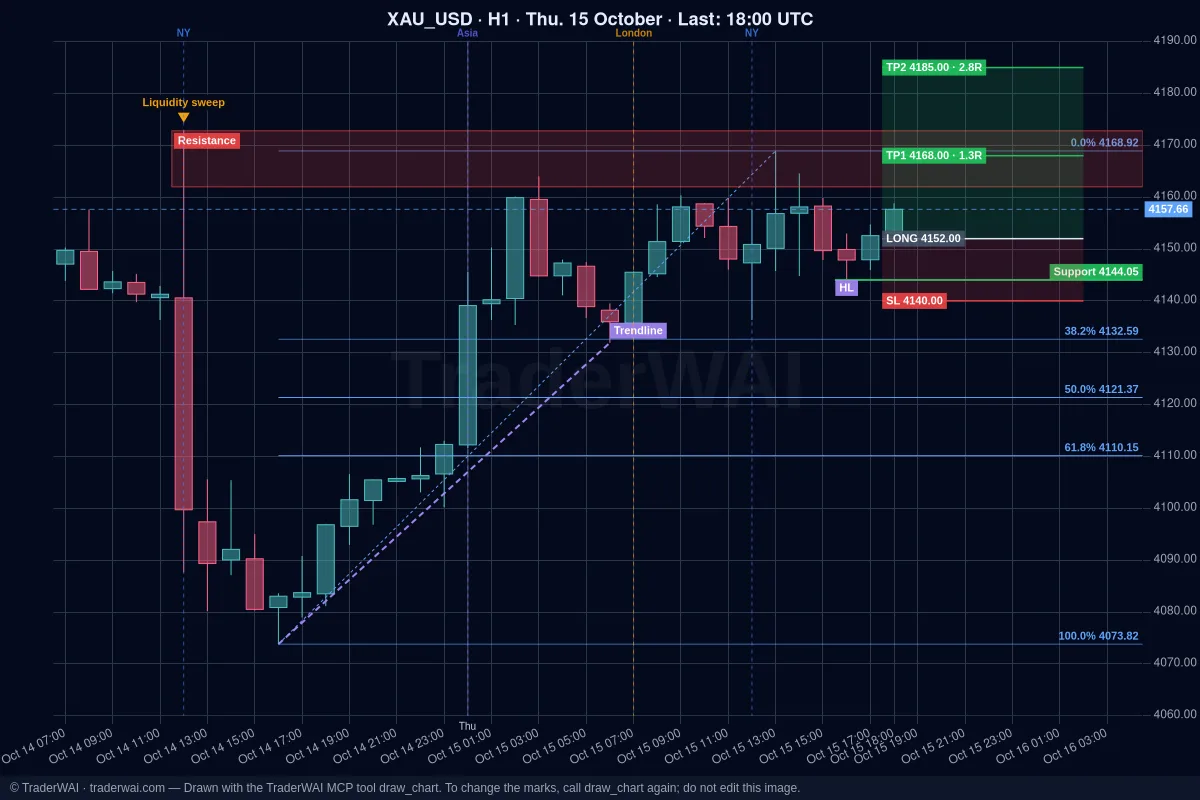

Many brokers and prop firms now use TradeLocker. With TraderWAI, ChatGPT can work with it directly: read the live chart, see your balance and positions, and place orders with your stop loss, take profit and risk, always waiting for your approval.
TraderWAI is listed on TradeLocker's Partners page (Automation Tools).
What you need
- A ChatGPT account, on any plan, including the free one. Custom MCP servers are now available on every ChatGPT plan. Add the connector from chatgpt.com in a browser on your computer; once it's added, it stays in your account.
- A TradeLocker account, demo or live: your TradeLocker email, password and your broker's server (you see it when you log in to TradeLocker).
- A free TraderWAI account. TradeLocker is included in the Free plan.
Step 1: add TraderWAI to ChatGPT
- Open chatgpt.com and go to Plugins in the left menu.
- Click Add (top right) → Add custom MCP server.
- Name:
TraderWAI. Server URL:https://mcp.traderwai.com. Authentication: OAuth (leave the advanced settings as they are). - Tick I understand and want to continue and click Create as plugin.
- Click Connect TraderWAI and sign in with Google. If you don't have a TraderWAI account yet, it's created in this step.
- In any chat, type @ and pick TraderWAI, or just ask. ChatGPT asks for confirmation before any action that changes something, like placing an order.
Step 2: connect TradeLocker
In the TraderWAI panel go to Settings → Brokers → Add account → TradeLocker. Enter your TradeLocker email, password and server, and choose demo or live.
Step 3: talk to ChatGPT
- "Show me NAS100 on M15 and H1. Is the trend up or down, and where's support?"
- "What's my TradeLocker balance and which positions are open?"
- "Buy XAU/USD at market, stop below the Asian session low, target 2R, risk 1%."
- "Place a sell limit on EUR/USD at 1.0930 with a 15-pip stop and 2R target."
ChatGPT looks at the chart image and the exact candle data, checks your broker's live price and sizes the order from your risk. The order waits for your approval by default.
Using TradeLocker with a prop firm
Many prop firm challenges run on TradeLocker. Before you trade, set the firm's rules as limits in TraderWAI (daily loss, max lots, trades per day): they're checked before every order and the AI can't change them. See prop firm rules with AI, and check that your firm allows AI-assisted trading.
Common questions
Is it free? TraderWAI's Free plan includes TradeLocker with 5 order executions a day and unlimited charts. ChatGPT's free plan works too: custom MCP servers are available on every plan.
Does ChatGPT see my TradeLocker password? No. It's stored encrypted on TraderWAI and never shown to the AI.