
Most people discover TraderWAI on their phone. But adding a connector to an AI is something you do once, on a computer: the ChatGPT and Claude mobile apps don't let you add custom connectors. Once it's added, it works everywhere, phone included.
We've changed a few things so that step doesn't get in the way.
Claude first
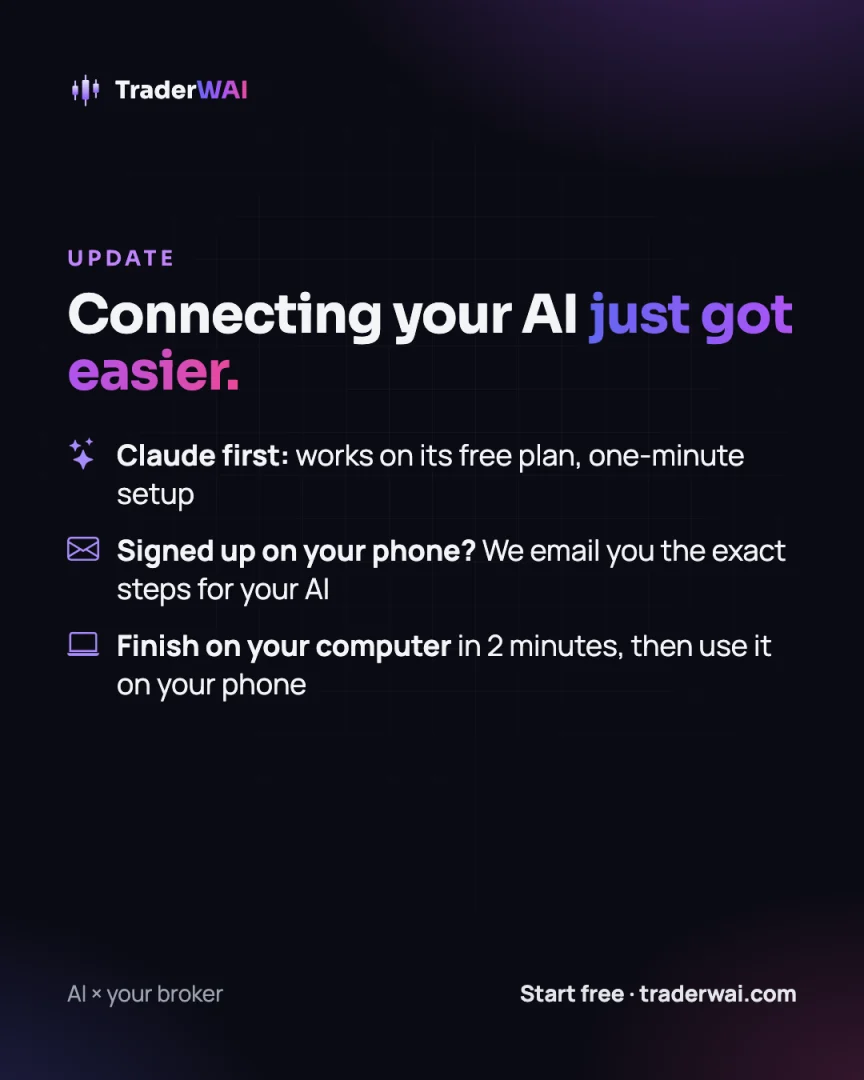
The connection guide now opens with Claude. It's the simplest option: it works on Claude's free plan, the connector takes a minute to add and the sign-in is one step. ChatGPT is still fully supported, but it needs a paid plan (Plus or higher) with Developer mode, so it's no longer the default.
Help for your AI, by email
If you sign up and haven't connected an AI a few hours later, we send you an email with:
- the TraderWAI address to paste (
https://mcp.traderwai.com), - the exact steps for the AI you chose in the guide,
- and, if you started connecting but it didn't finish, the most common causes and how to fix them (usually: signing in with a different Google account).
You can turn these emails off anytime in Settings → Notifications, or with the link at the bottom of each one.
Then, your broker
Once your AI is connected, we'll remind you how to connect your broker: TradeLocker, cTrader and Match-Trader on every plan, and MetaTrader 4/5 from Trader. If your platform isn't on the list, tell us on the platforms page: the most requested ones come first.